How can I change the camera name on remote monitoring?
- Network Recorders
- Installation/Configuration
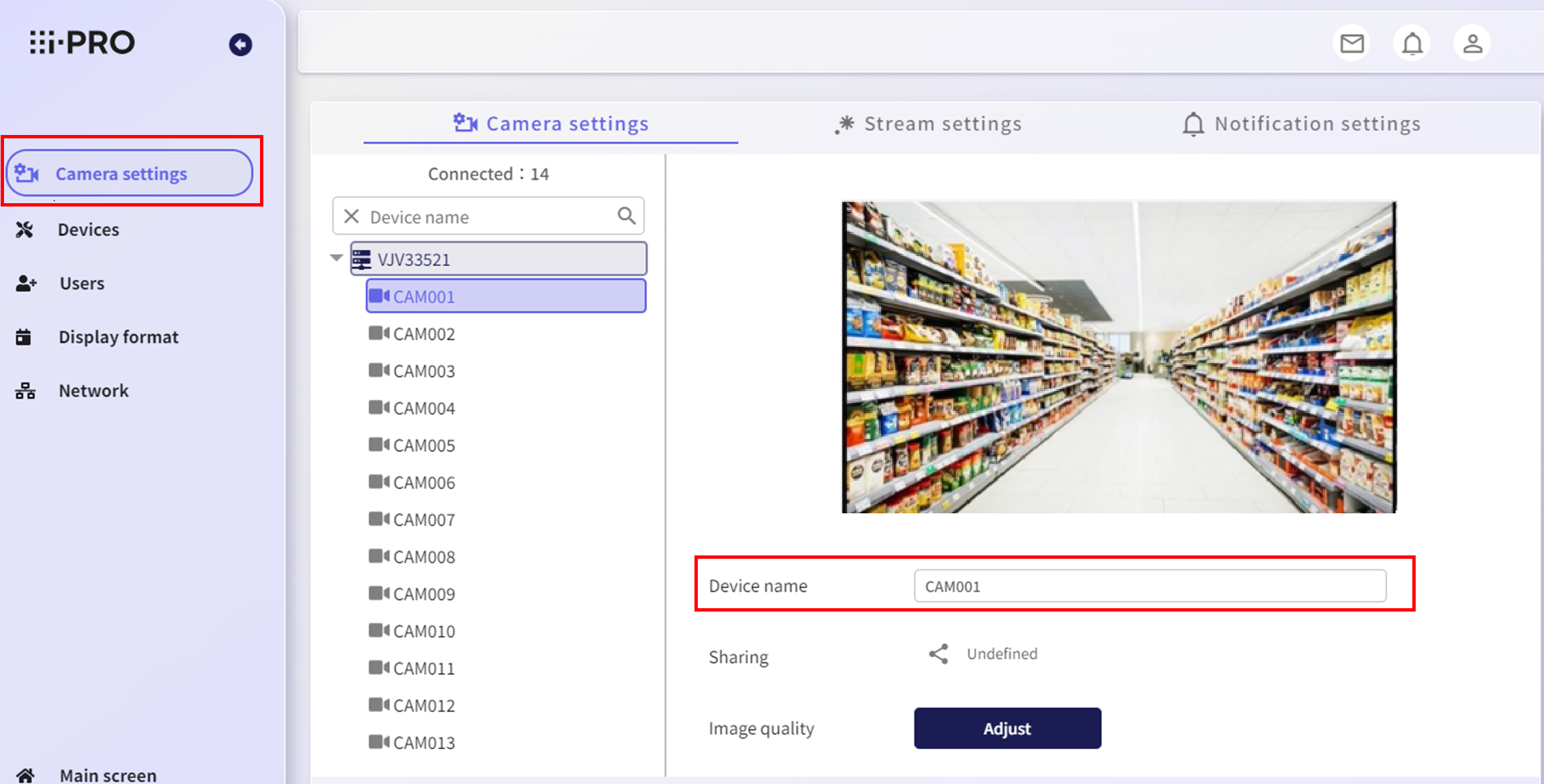
It can be changed from the Camera settings menu.
Users with "Allow device settings" turned on can change the camera name.
1. Click Camera settings.
2. Change the Device name.
3. After making changes, the Apply button will appear at the bottom right, so click it.
Note:
The camera name set here is not related to the camera name used by the recorder.
It is only used for remote monitoring.
Article number:us-en120886
Last updated:October 20, 2025
Was this article helpful?
Thank you for your feedback!